
Everything your teachers and counselors need to support students — in 3 minutes a day.
Class Catalyst gives every student a safe, private voice and every educator a real-time window into the wellbeing of their class. Here’s what’s under the hood.
For Students (K–12)
A check-in that feels simple. Data that goes deep.
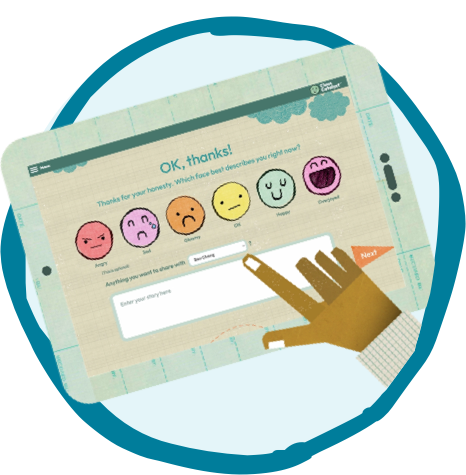
Students log in and complete a two-step check-in in under a minute:
- Energy level — Students select their current state using a color-coded battery icon (a familiar, non-threatening visual). Colors map to emotional states: high energy, ready to learn, low/tired, or overwhelmed.
- Private note — Students optionally write a message directly to their teacher — something they may not say out loud in a classroom setting.
That’s it. The whole interaction takes under 60 seconds. With an optional follow-up activity, total time is ~3 minutes.


“I’m not the type of person that likes to express my feelings out loud. With Class Catalyst I can just type it.”
— Kayden
9th Grade Student
For Teachers
Real-time insight. No extra work.
The moment students check in, teachers see it. No data entry, no waiting, no guessing.
- Live class view — See every student’s status at a glance, color-coded by energy level
- Private notes — Read each student’s message and respond directly in the platform, opening a conversation that might not happen face-to-face
- Keyword alerts — Get notified when a student uses words associated with stress, anxiety, or safety concerns, so you can follow up immediately
- Group activity prompts — After check-in, the platform suggests a teacher-led group activity calibrated to how the class as a whole is feeling
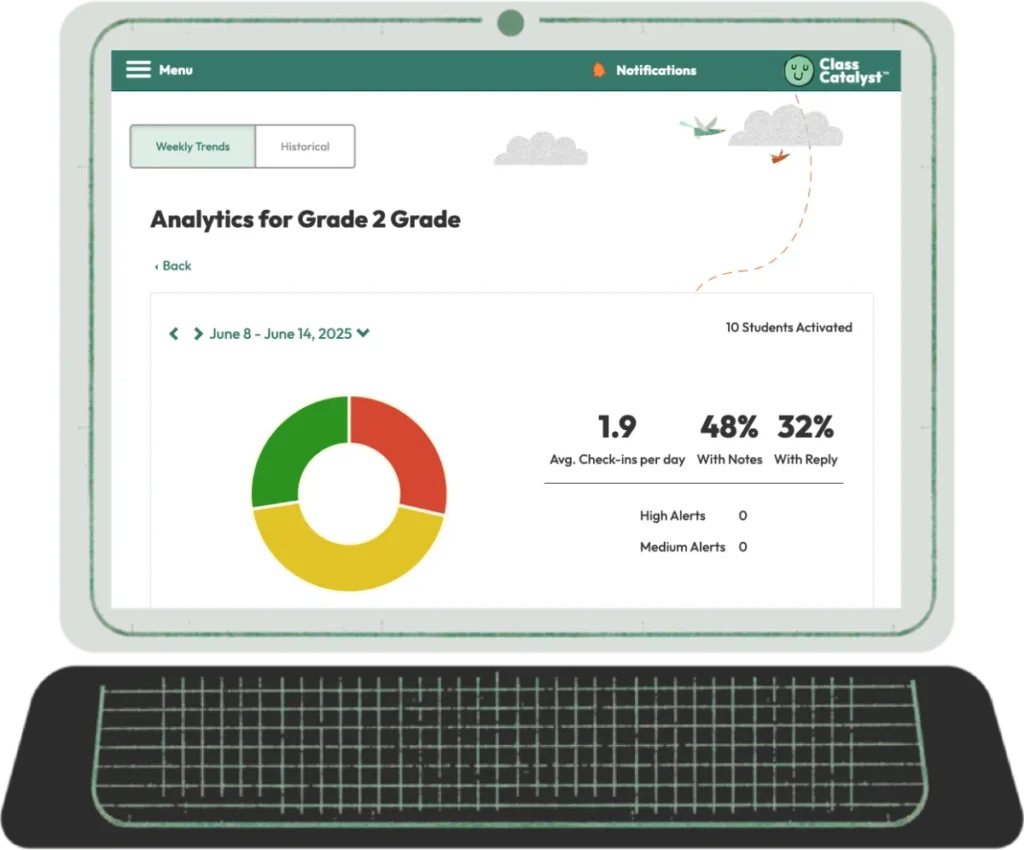
- Daily, weekly, and monthly reports — Track individual students and classroom trends over time
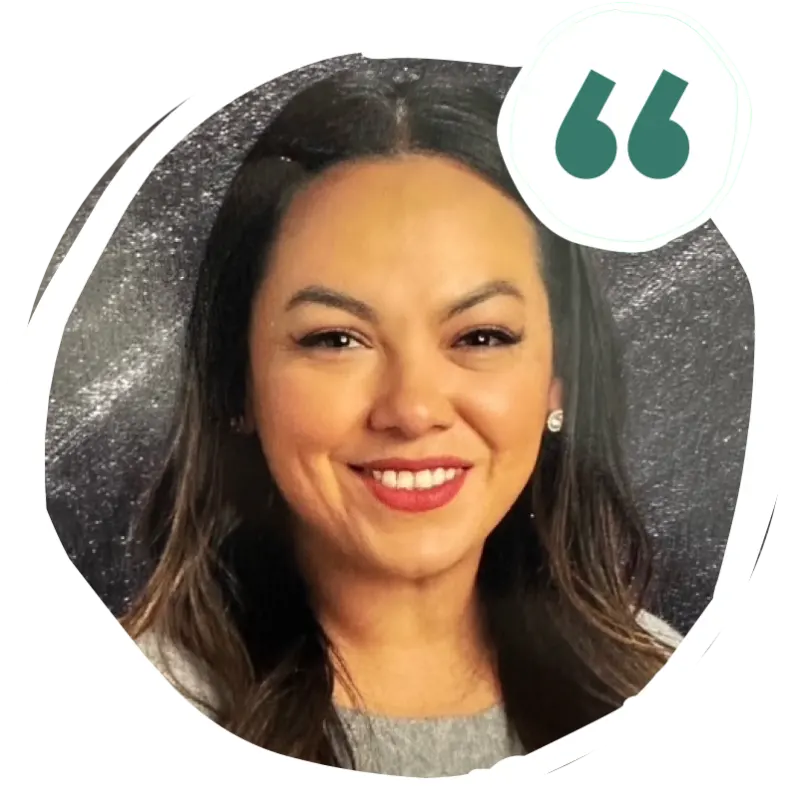
“The alerts for the words — I had an alert the other day for somebody who talked about stress, and I was able to check in with her, follow up with her. That, to me, is really key.”
— Fabiola Serrano
Academic Interventionist
For Teachers
Real-time insight. No extra work.
The moment students check in, teachers see it. No data entry, no waiting, no guessing.
- Live class view — See every student’s status at a glance, color-coded by energy level
- Private notes — Read each student’s message and respond directly in the platform, opening a conversation that might not happen face-to-face
- Keyword alerts — Get notified when a student uses words associated with stress, anxiety, or safety concerns, so you can follow up immediately
- Group activity prompts — After check-in, the platform suggests a teacher-led group activity calibrated to how the class as a whole is feeling
- Daily, weekly, and monthly reports — Track individual students and classroom trends over time

For Counselors, Social Workers & Administrators
Catch concerns before they become crises.
lass Catalyst gives your support staff the visibility they need — without adding to their plate.
- Triage view — Counselors and social workers can see flagged students and respond directly or route to the appropriate support
- Cross-classroom visibility — Administrators can view wellbeing data at the school or district level
- Early intervention data — Move from reactive to proactive. Tier 1 wellbeing data — the kind that’s usually too time-consuming to collect manually — delivered daily.
- Fidelity tracking — See which classes are using the platform and at what frequency, so you can support consistency across your building

“We’ve been able to support so many students who are facing scary or even dangerous situations simply because they had a safe space to speak up.”
— Robin Sizemore
SEL/mental health coordinator



Student Agency
Students don’t just check in — they build skills.
After checking in, students access a library of short, evidence-based self-regulation and mindfulness activities. These are:
- Student-selected — Students choose from activities matched to their reported state, building agency and self-awareness over time
- Teacher-assigned — Teachers can prompt group activities for the whole class based on check-in data
- Secular and research-based — No religious content. All activities are grounded in mindfulness and SEL research
- Compatible with Zones of Regulation — The energy level framework maps directly to Zones colors (blue, green, red)
- Stackable — The more students use Class Catalyst, the more they learn what strategies work for them personally
No New Logins. No New Devices.
Works with what your school already uses.
 Google Classroom Google Classroom |
SSO — students log in with their existing Google account |
 Clever Clever |
SSO — one-click access through your district’s Clever portal |
 ClassLink ClassLink |
SSO — seamless access through ClassLink |
 Direct login Direct login |
Username + encrypted password via classcatalyst.app |
 PDF fallback PDF fallback |
Non-digital version for students without parent consent or device access |
No New Logins. No New Devices.
Works with what your school already uses.
|
Google Classroom |
SSO — students log in with their existing Google account |
| Clever |
SSO — one-click access through your district’s Clever portal |
| ClassLink |
SSO — seamless access through ClassLink |
| Direct login |
Username + encrypted password via classcatalyst.app |
| PDF fallback |
Non-digital version for students without parent consent or device access |
Works on: iPad · Chromebook · Mac/PC · Mobile
Network whitelisting required:
Supports Spanish and English
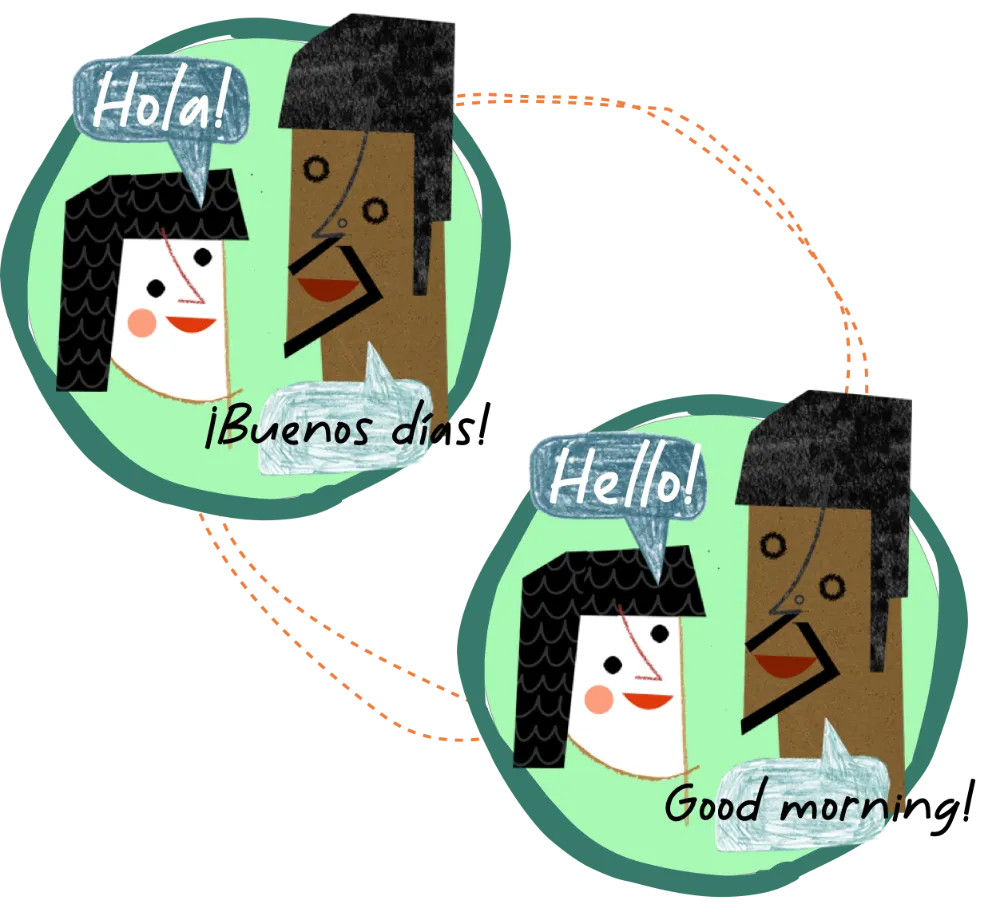
Students can complete their check-in in English or Spanish. Schools with multilingual populations can configure check-in language per student or allow student-selected language at login.
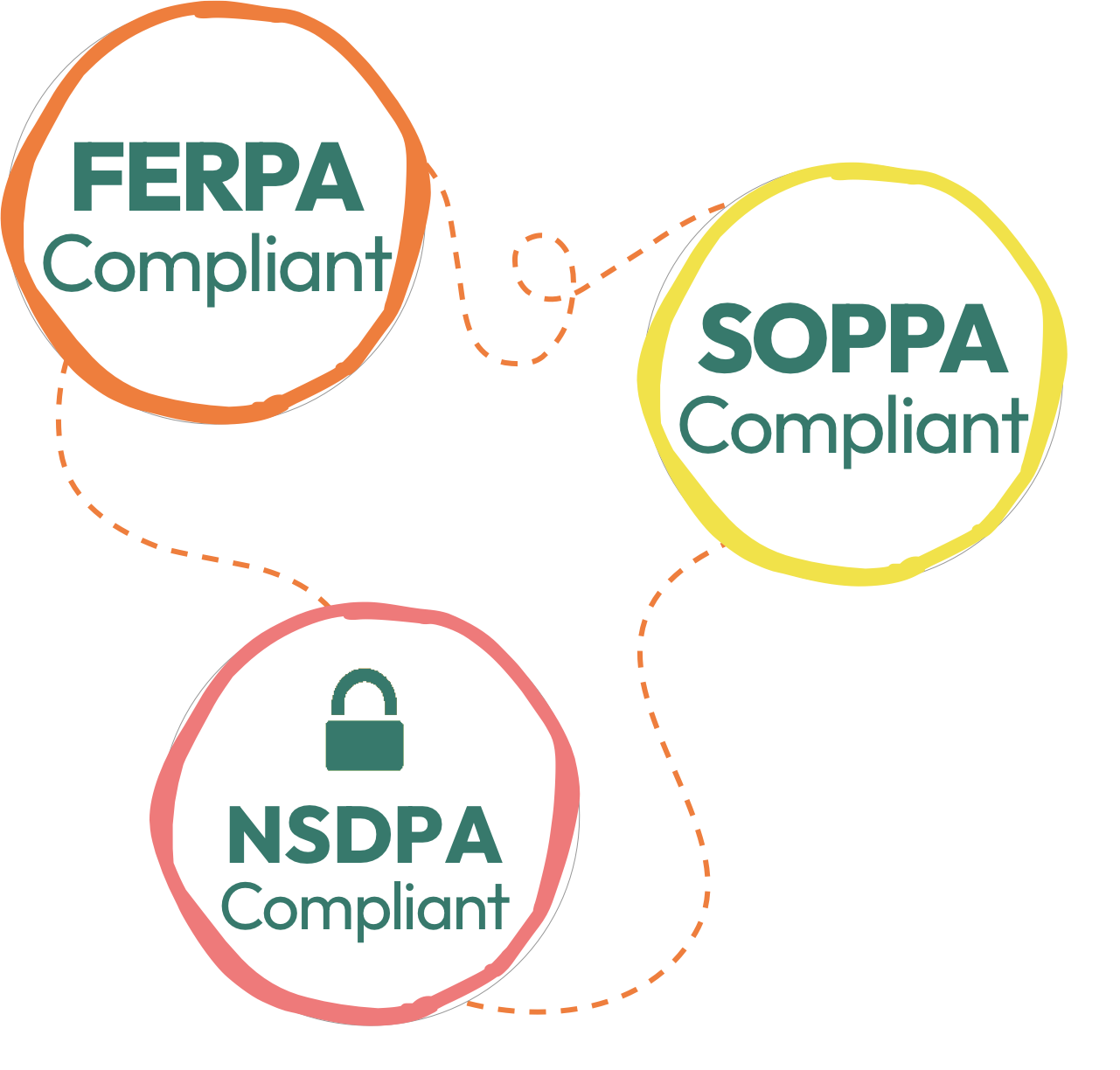
Student data is private by design.
- All check-ins are private to the student and their teacher — never displayed to the whole class
- Passwords are encrypted using industry-standard hashing — never stored in plain text
- Staff access is role-limited: teachers see only their own students; counselors and admins see based on configured permissions
- Student notes are discreet and never shown on shared screens (Class View is designed for teacher-only use)
Built for K–12. Proven at scale.

K–12
Grade range supported

480+
Schools & Districts
3.5M+
Student check-in touchpoints
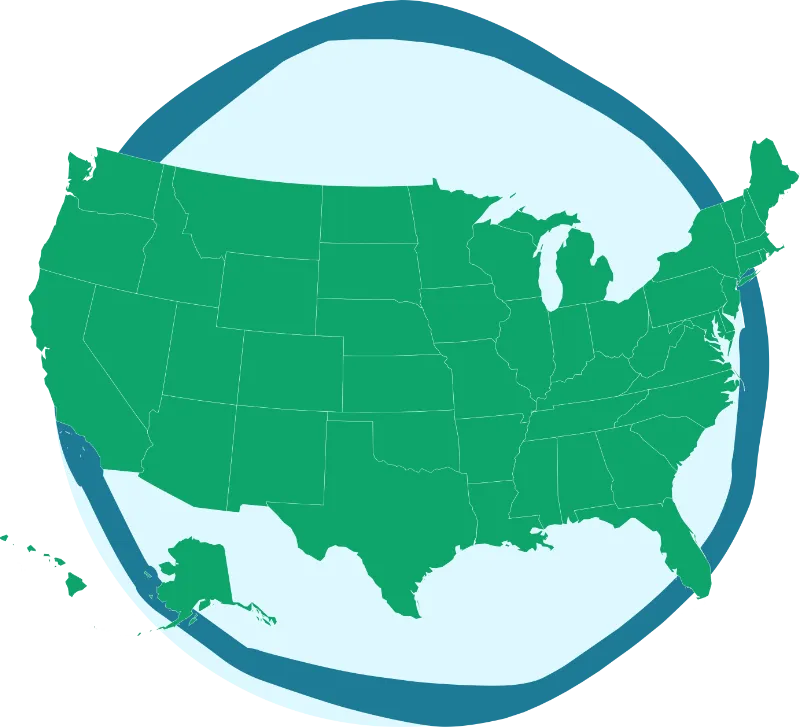
33+
States

80%
Of students check in weekly
The only check-in platform to earn CASEL SELect status.
Class Catalyst is designated a CASEL SELect Program — the most rigorous independent certification for SEL programs in the United States. Our effectiveness is also validated by researchers at Chapin Hall, University of Chicago.
A 2011 CASEL analysis of 213 studies involving 270,000+ students found that evidence-based SEL programs produced an 11% gain in academic achievement.
See it in action.
The best way to understand Class Catalyst is to watch it work. Schedule a 30-minute demo and we’ll walk you through the student experience, the teacher dashboard, and how other schools in your state are using it.
Have questions? Visit our FAQ